Power it on, choose units, tare your bowl, add food, read the weight.
If you want simple, accurate cooking, this guide is for you. I have used Etekcity scales for years in busy kitchens and calm home setups. Here, I will show you how to use Etekcity food scale with clear steps, pro tips, and real examples. You will learn fast, avoid mistakes, and get repeatable results every time.
Why an Etekcity food scale belongs in your kitchen
A food scale makes cooking easier and more reliable. It removes guesswork and keeps your portions on point. Etekcity models are affordable, fast, and easy to read. Many offer grams, ounces, pounds and ounces, and milliliters. Some even have modes for water and milk.
When you learn how to use Etekcity food scale, your baking gets more even. Your coffee tastes the same each day. Your macros turn exact, not rough. It saves time and cuts food waste too.
I shifted to weights for most recipes years ago. The change was huge. Cookies spread the same. Bread rose better. Tracking meals took minutes, not math. This guide will help you get that same jump.

Quick start: unboxing and setup
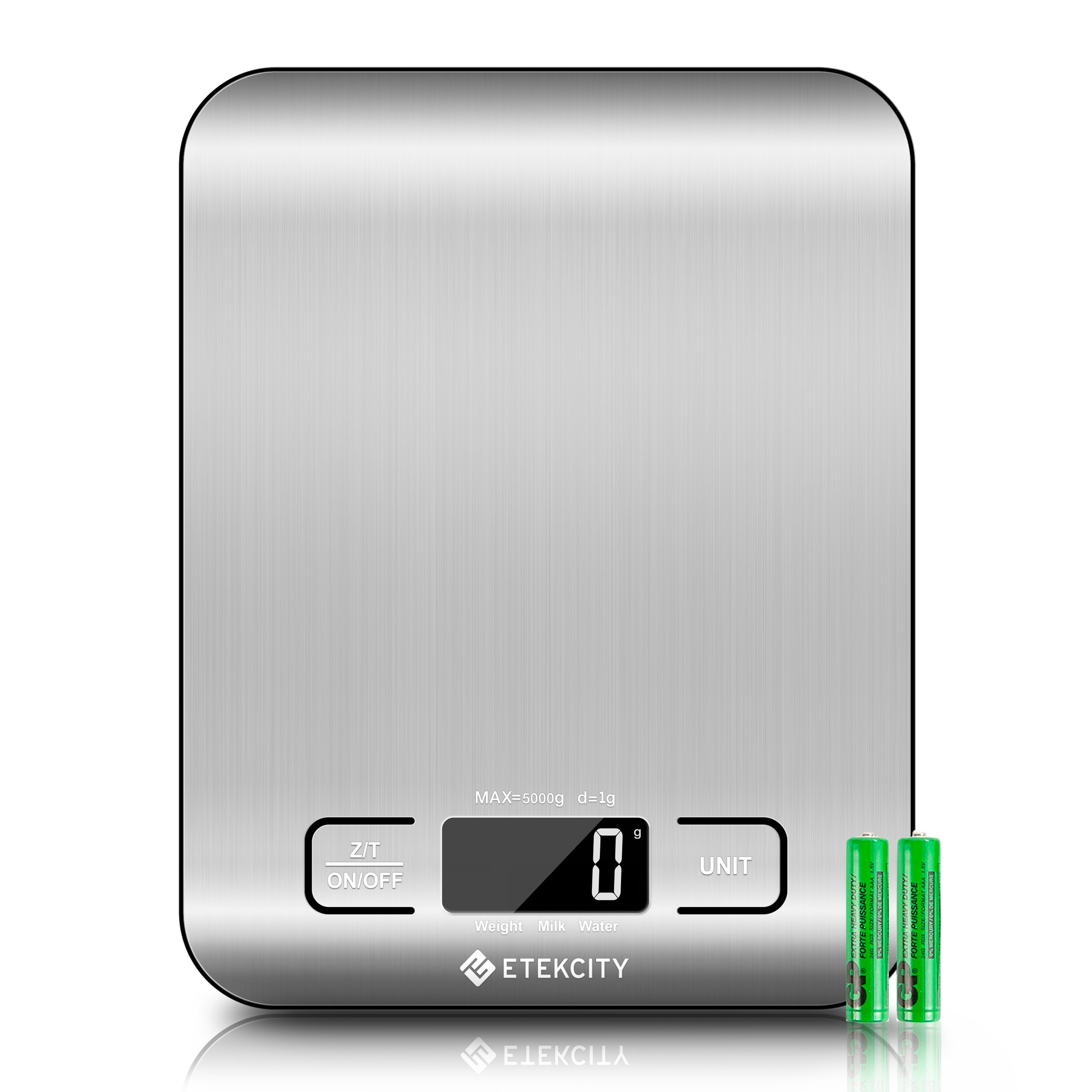
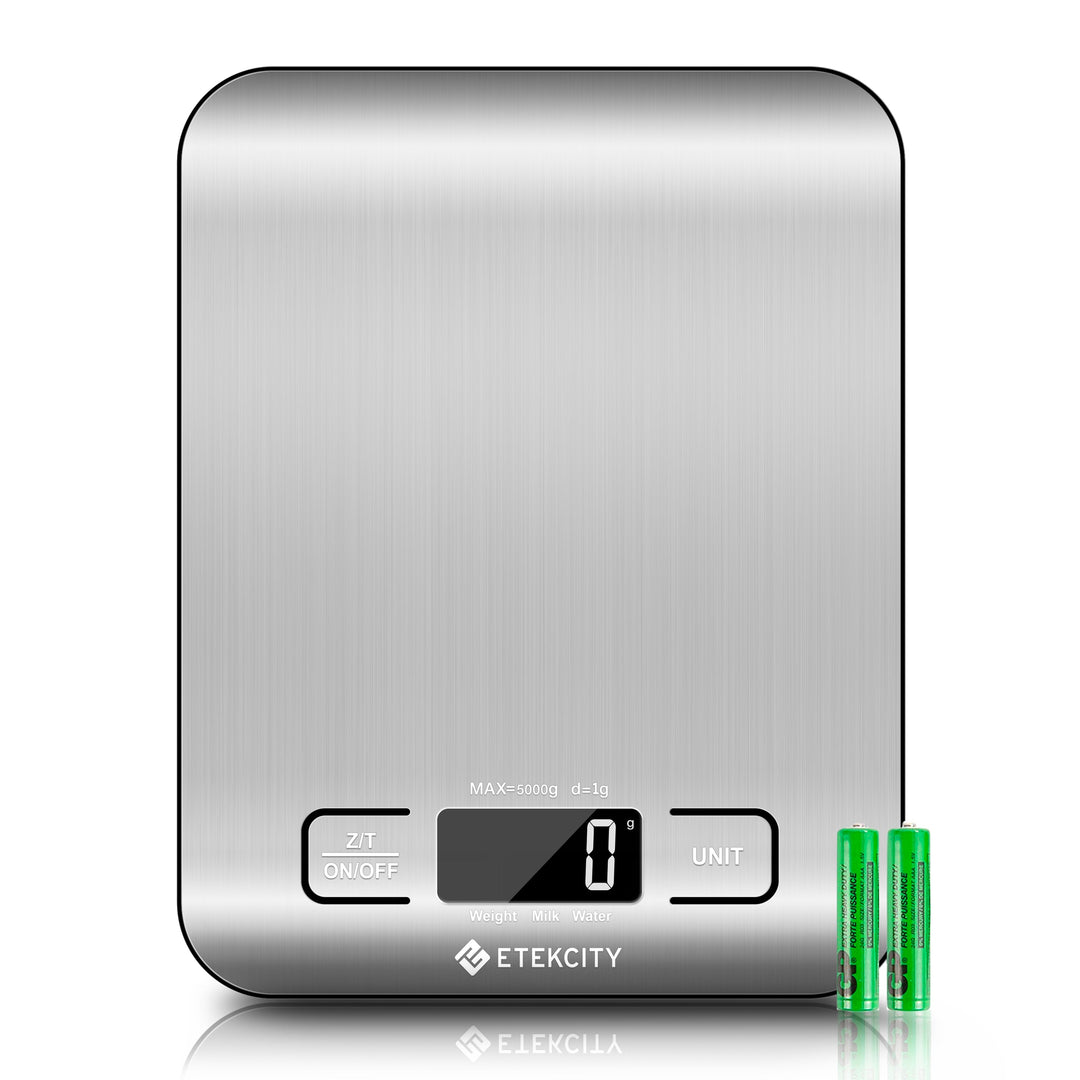
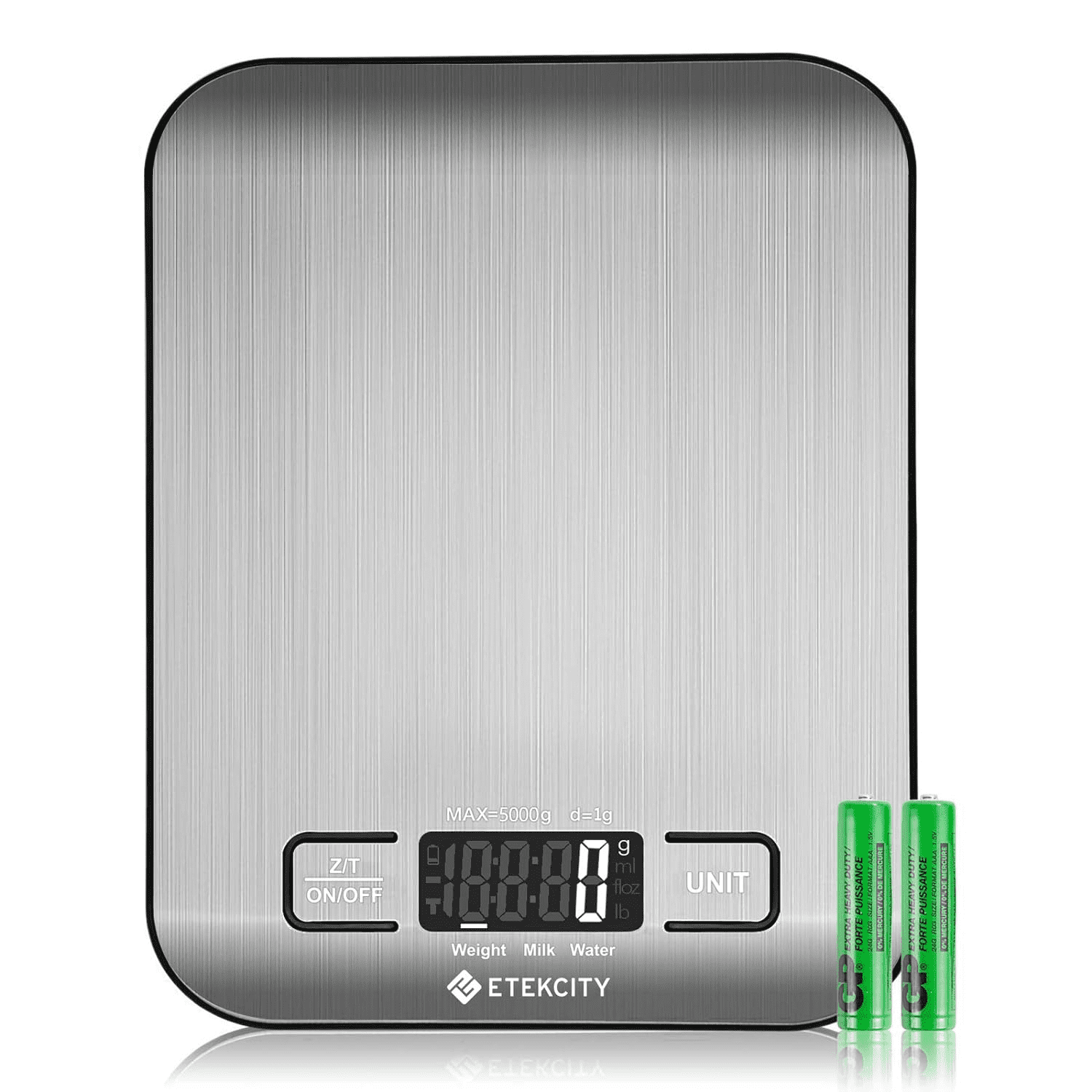
Get your scale out of the box. Remove any plastic film on the platform. If your unit has a battery tab in the compartment, pull it out. Many Etekcity food scales use AAA batteries; some use a CR2032 coin cell. Check the label under the scale to confirm.
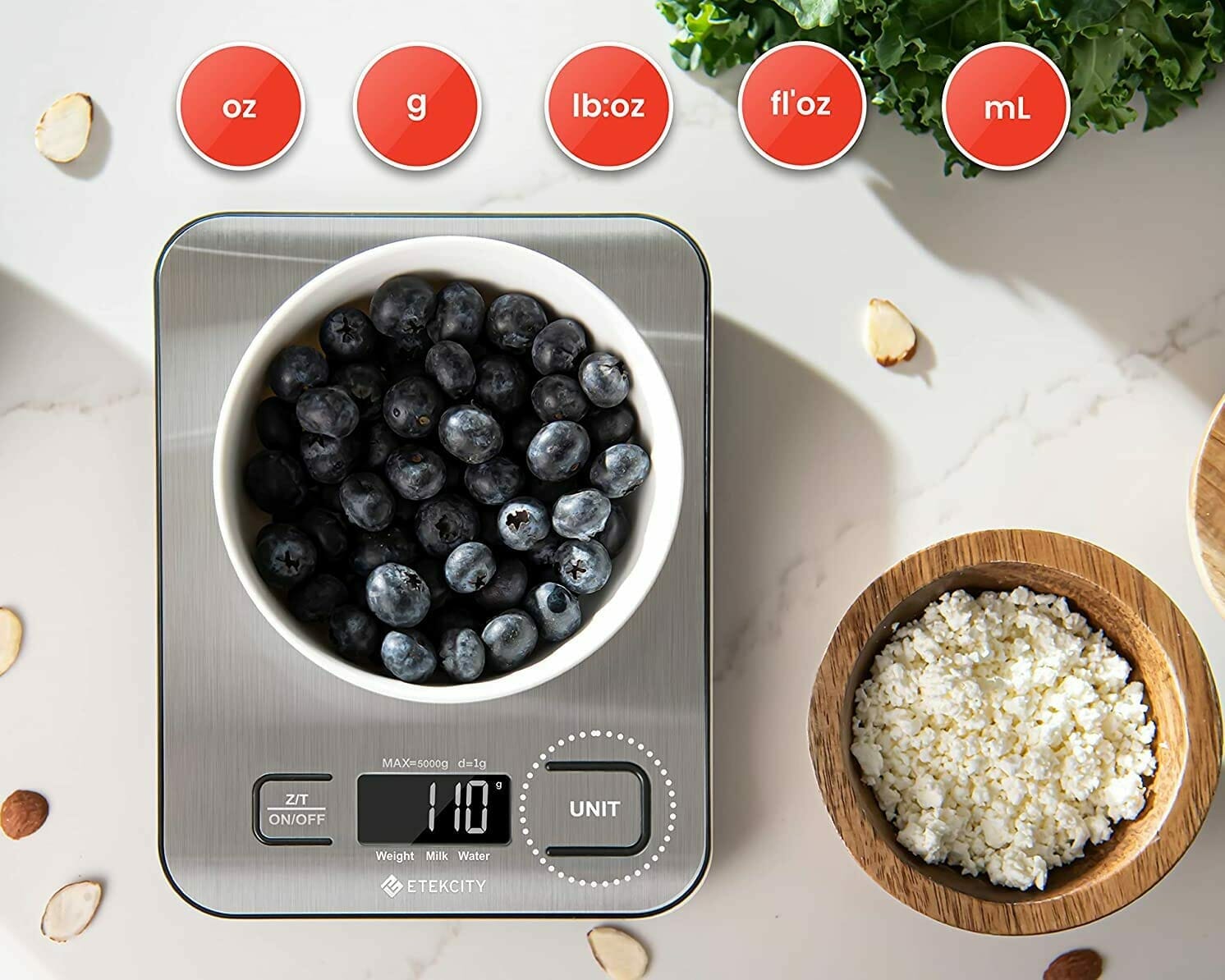
Place the scale on a hard, flat, stable surface. Avoid soft mats or uneven counters. Press the power button to turn it on. Tap the unit button to switch between g, oz, lb:oz, and ml modes. Wait for 0 to show before placing anything.
If the display shows LO, replace batteries. If you see OL, you have exceeded the max load. Most kitchen models cap near 11 lb or 5 kg. When you know how to use Etekcity food scale from the start, small issues will not slow you down.

How to use Etekcity food scale step by step
Follow these steps the next time you cook or track meals.
- Place the scale on a level, dry surface.
- Press power and wait for 0.
- Put your empty bowl or plate on the platform.
- Press tare (sometimes labeled zero) to reset to 0.
- Add your food. Read the weight.
- Need a second item? Press tare again. Add the next item.
- Switch units with the unit button if needed.
- When done, wipe the platform. Let it auto-off or press power.
This is the core of how to use Etekcity food scale. Keep it simple and repeat it the same way each time.
 negative weighing”
style=”max-width: 100%; height: auto; border: 2px solid black; border-radius: 10px; display: block; margin: 0 auto;”
loading=”lazy”
/>
Master the tare function and negative weighing
Tare sets the display back to 0 with your container on the scale. This gives you only the food weight. It is the most used feature on any digital scale.
Try negative weighing when you need to remove food. Tare with the full bowl. Lift some food out with a spoon. The display shows a negative number. That is the amount you removed. It is a fast way to dial in exact servings.
Units, liquid modes, and smart conversions
Most Etekcity food scales switch between grams, ounces, and pounds and ounces. Many models also offer ml for water and milk. Water and milk modes use different density settings. This helps you estimate volume by weight. It is still an estimate. For baking and nutrition, grams remain best.
Tips for unit choice:
- Use grams for baking and coffee. It gives fine control.
- Use lb:oz for meat, produce, and larger items.
- Use oz for snacks and cheese.
- Use ml modes for quick soups or drinks, but switch back to grams for accuracy.
Knowing how to use Etekcity food scale unit modes saves time. It also avoids rough cup measures that can vary a lot.
Accuracy check, calibration notes, and mistakes to avoid
Most Etekcity food scales arrive pre-calibrated. Many do not support user calibration. You can still do a quick check. A US nickel weighs 5.00 g. Ten nickels should read close to 50.00 g. A sealed 1 lb package should read near 16.0 oz or 453.6 g. If numbers drift a lot, replace batteries and retest. Then review your manual for any CAL function your model may have.
Common accuracy mistakes:
- Using the scale on soft or uneven surfaces.
- Letting bowls hang off the edge.
- Measuring hot pots that cause condensation.
- Weighing while the display is still stabilizing.
- Not taring after changing containers.
A clean, level setup is half of how to use Etekcity food scale the right way. Small details protect accuracy.
Cleaning, care, and battery tips
Unplugging is not needed with battery scales. But care still matters. Wipe the platform with a damp cloth. Dry it right away. Do not submerge the scale. Keep water away from buttons and seams. For sticky spills, use a tiny amount of mild soap on a cloth.
Battery care tips:
- Replace all batteries at the same time.
- Remove batteries if you will store the scale for months.
- Cold rooms can slow the display. Let the scale warm to room temp.
When you follow these steps, how to use Etekcity food scale stays simple. Your scale will last longer and read steady.

Smart features and the VeSync app (for select models)
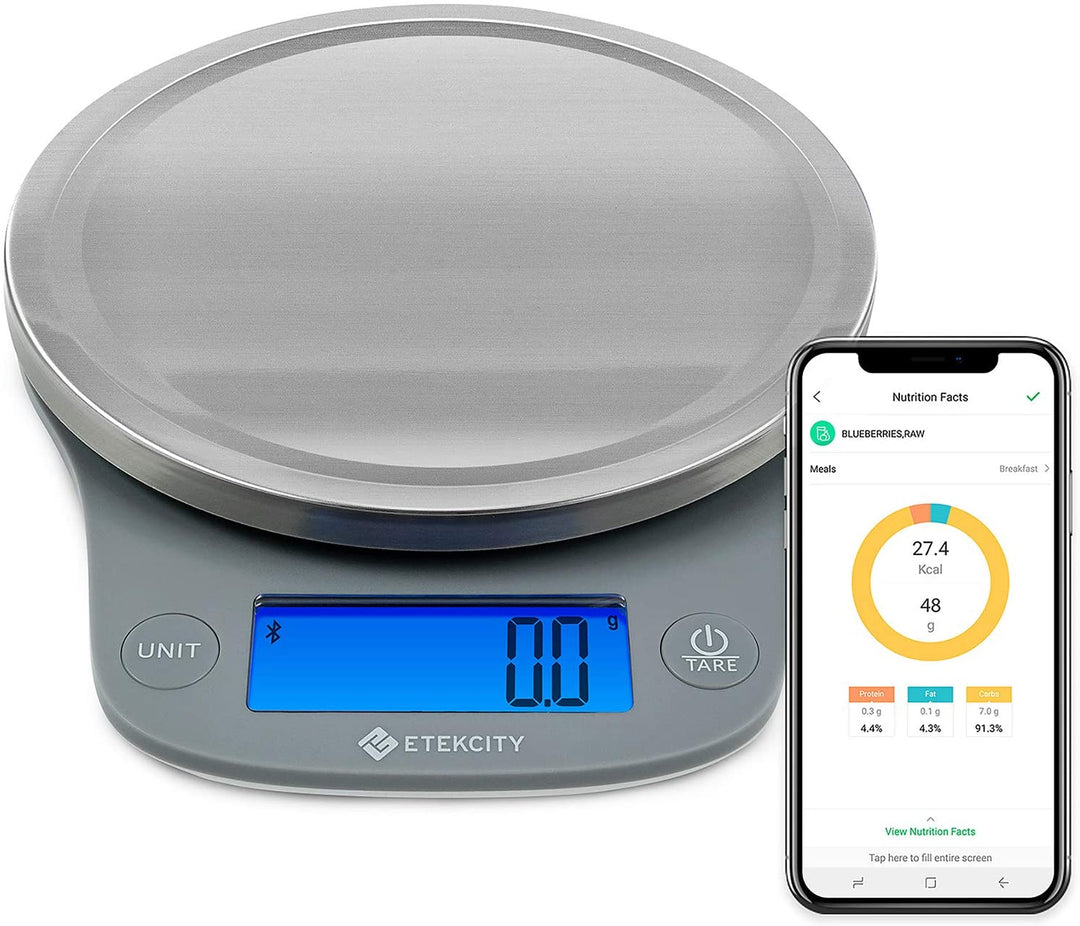
Some Etekcity scales connect to the VeSync app over Bluetooth. You can log foods, view nutrition facts, and track macros. You can also create custom items and save recipes. This is great for weight loss, meal prep, or sports training.
To use it, download the app, create an account, and pair your scale. Tare the bowl. Add food. Pick the food item in the app and log the weight. This blends how to use Etekcity food scale with smarter tracking. It makes daily logging fast and clear.
Real-life ways to use your scale every day
Use it at every meal. You will build a feel for the right amounts and reduce waste.
- Baking: Weigh flour, sugar, butter, and water. Your dough will behave better.
- Coffee: Use 1 g coffee to 15–17 g water for a balanced cup. Track both.
- Meal prep: Portion cooked rice, chicken, and veggies into containers by grams.
- Baby food: Weigh small servings in tiny jars. Tare each jar first.
- Smoothies: Log fruit and protein powder to match your macros.
- Sourdough: Track starter feedings to keep ratios tight.
These habits show how to use Etekcity food scale for real gains. You will see better taste, shape, and health markers.
Troubleshooting and quick fixes
If the display flickers, replace batteries. Make sure contacts are clean. If numbers creep up or down, check that the counter is stable. Turn off fans that cause vibrations. Use a cutting board under the scale on tile.
If tare will not reset, remove the bowl, wait for 0, and try again. If OL appears, your load is too heavy. Split the batch or use a larger container. When errors persist, check the manual for your exact model. This keeps how to use Etekcity food scale stress-free.
Picking the right Etekcity model for your needs
Etekcity offers slim stainless platforms, glass tops, and smart nutrition models. Think about capacity, platform size, and unit modes. Coffee lovers should pick fine gram steps and a stable platform. Bakers may want a larger surface for mixing bowls. Macro trackers may prefer the smart app model.
Whichever you choose, the basics of how to use Etekcity food scale stay the same. Power on, tare, add food, read, repeat.
Frequently Asked Questions of how to use etekcity food scale
How do I change units on my Etekcity scale?
Press the unit button until your desired unit appears. Most models cycle through g, oz, lb:oz, and ml.
Why does my scale show OL?
OL means overload. Remove weight and keep loads under the max range listed on the bottom label.
Can I calibrate my Etekcity food scale?
Many models are factory calibrated and do not allow user calibration. Check your manual; if a CAL mode exists, follow those steps with a proper weight.
How do I use tare the right way?
Place your empty container on the scale and press tare to zero it. Add food and read only the food weight.
Why does my weight reading drift?
Your surface may be uneven or vibrating. Move to a solid counter, make sure feet sit flat, and replace batteries if needed.
Does the ml mode give exact volume?
It is an estimate based on preset density. For precise baking, weigh in grams instead.
How do I clean the scale safely?
Wipe with a damp cloth and dry right away. Do not submerge or let water into the buttons.
Can I weigh hot items?
You can, but avoid steam and condensation near the display. Use a plate or trivet to protect the platform.
Conclusion
Now you know how to use Etekcity food scale with confidence. Power on, pick units, tare, add food, and track with care. Keep the surface stable, use grams for best accuracy, and clean it after each use. These small habits build results you can taste and measure.
Try one new use today. Weigh your morning coffee or portion dinner by grams. If this helped, share it with a friend, subscribe for more kitchen tips, or leave a question and I will help you dial in your setup.